
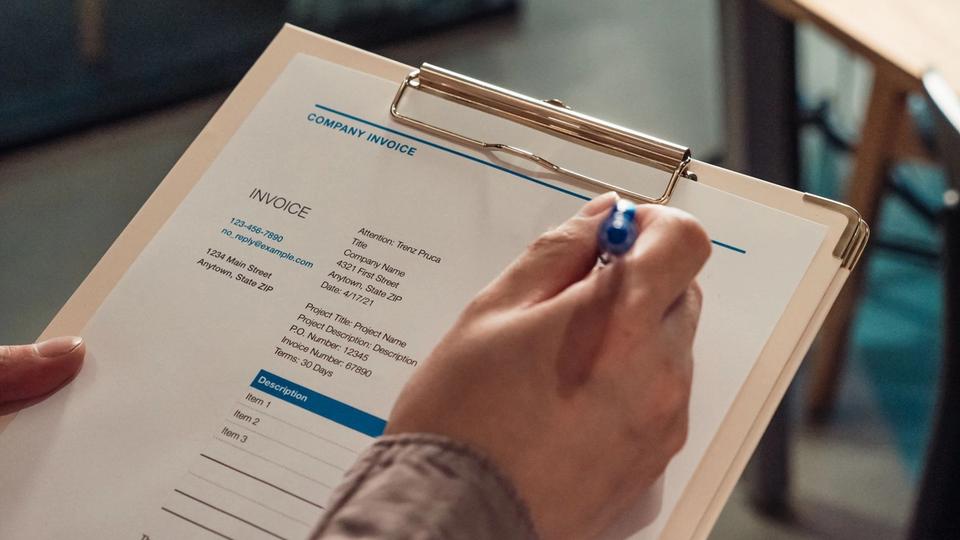
Automate invoicing in this order: send the invoice the moment the job is done, put a payment link on it, then let software send the polite reminders at set intervals. Keep the awkward late conversation human. AI writes and times the nudges; it does not decide who deserves one. Get started with Beside to see how it fits your invoicing workflow.
That is work already finished, materials already bought, hours already paid for, sitting in somebody else's account.
Will automated reminders cost you the customer?
This is the real reason most owners leave the reminders switched off, and it deserves a straight answer.
The fear is aimed at the wrong message. A note three days after the work that says thanks, here is the link again, reads as a receipt with a button on it. The one that can cost you the relationship is at day 45, when it has gone quiet and somebody has to say something uncomfortable.
So automate the first three and keep the fourth. Handing the early nudges to software is what buys you the standing to make that last one a phone call instead of a letter from a lawyer.
Most of the delay happens before the invoice exists
Every guide on this subject starts its clock when the invoice goes out. That is the wrong place to start for a business with six open invoices instead of six hundred.
For a one-truck operation the biggest delay happens earlier, between finishing the work and writing it up. That means sitting down at nine at night with a phone full of photos and a number you half remember. So it waits for Sunday, and sometimes for the Sunday after that.
Automate the sending first. The reminders are the easy half and they are worth less than the half everybody skips.
Where Beside fits, and where it doesn't
Beside does not send invoices or take payments today. QuickBooks appears on Beside's integrations list under invoicing, which means it is a listed entry and nothing more; Beside publishes no detail about what syncs or in which direction. (Source: Beside integrations) Xero, FreshBooks, Stripe and Wave are not on that list at all. (Source: Beside integrations)
Beside today is the phone line and the assistant that answers it, running 4.8 stars from about 8,900 App Store ratings. (Source: Beside on the App Store) Keep your invoicing tool in place while you get started with Beside and review how it fits the work around a finished job.
If your own app sends the reminders for free, it is fair to ask what is left to wait for. The reminders are the solved half. What still eats a Sunday night is writing the job up and getting the money in.
If you came here to fix the invoicing this week
Handle it with what you already have: the automatic overdue reminders in your invoicing app, a payment link on the template, and the schedule below. Beside does not do that part today.
Start with the task that keeps landing back on your desk. Get started with Beside to see how it fits your business and the tools you already use.
What to automate first, in order
Four things, in the order they depend on each other. Most readers already own the tool that does the first three and have never turned it on.
- Invoice on site. Build the template once, tonight, with your standard line items already in it. Then send from the phone before you pull out of the driveway, while the job is in front of you and the customer is standing there to ask about it. Doing it at the tailgate takes minutes. Doing it on Sunday takes an evening, and it happens days later.
- Put a payment link on it. Card or ACH. Paying becomes one tap on a phone instead of an errand involving a checkbook and a stamp, and the difference between those two things is about a week.
- Check your invoicing app for a reminder setting before you buy anything. Open the settings and look for automatic overdue reminders. If yours has them, that is the whole of this step and it costs nothing extra. If it does not, that is the one thing worth shopping for.
- Let AI write the wording. This is the only step that needs anything new, and it is the smallest one. Businesses using AI-written reminders get paid about five days sooner than businesses sending standard ones. (Source: Intuit QuickBooks, 2025, via Stacker)
The reminder schedule that gets you paid without nagging
| When | What goes out | Channel | Who writes it |
|---|---|---|---|
| Day the job ends | The invoice, with a payment link | Text or email | Automated |
| Day 3 past due | One line: here is the link again | Text | Automated |
| Day 7 | Same note, slightly firmer, invoice attached | Automated | |
| Day 14 | Short and direct, asks for a date | Email and text | Automated, you skim it |
| Day 30 | Statement, plus a late fee if your terms carry one | Automated | |
| Day 45 | A phone call | Voice | You |
Five of those six rows are a settings screen. The sixth is the job. Get the first five running and the whole thing collapses into one hard call a quarter instead of six awkward texts a week.
A reminder sequence that runs perfectly on an invoice you sent late is a sequence that starts late.
What AI actually adds, and what it doesn't
What it adds is wording and timing. A day-3 note and a day-30 note should not read identically, and writing four versions of the same message in four escalating tones is exactly the kind of small, dull, repeated writing a machine is good at. That difference is worth about five days of waiting. (Source: Intuit QuickBooks, 2025, via Stacker)
Your terms do work too. In the same survey, businesses that asked for payment immediately on receipt were 20% less likely to be leaning on loans, lines of credit or business credit cards than businesses offering Net 30 or longer. (Source: Intuit QuickBooks, 2025, via Stacker) Shortening the terms is free and takes one afternoon.
What it does not add is judgment. It will not know that this particular customer just buried his mother, or that the one who always pays late also sends you four jobs a winter. And it cannot make a customer who has no money into a customer who has money. A customer who is broke is not an automation problem, and no sequence will collect from him.
Turn the ideas in this article into a next step for your working day. Get started with Beside to see which tasks you can bring together.
When a customer still hasn't paid
Every guide on this topic ends at day 30 and leaves you holding the same unpaid invoice. What comes next, in order:
- The call. Pick up the phone instead of sending a fourth text, and ask for a date rather than asking whether he got the invoice.
- A written payment plan. Three hundred a month beats zero a month, and a customer who agrees to a schedule in writing usually keeps it.
- The late fee, if your terms carry one. It only works if it was in the terms he agreed to before the job started. Adding it afterward is a fight you will lose.
- Decline the next job until this one clears. This is the most effective step on the list and the one owners skip, because saying no to work feels worse than not getting paid for work.
- Small claims. Cheap, no lawyer, and the filing itself settles a fair share of them.
If you invoice other businesses rather than homeowners, plan for more of this. In US business-to-business trade credit, 43% of sales made on credit go past due, and around 5% of long-overdue invoices end up written off. (Source: Atradius Payment Practices Barometer, North America 2025) General contractors, property managers and commercial accounts are a different animal from a homeowner with a broken water heater.
Where this is heading
The reminder half of this problem is close to solved, and it has been solved for a while in software most owners already own. The half that is still manual is the part on either end: writing the thing up when the job finishes, and collecting the money without a human having to ask twice.
Get started with Beside to see how it fits that part of your workflow.
Get started with Beside to see how it fits your business and the tools you already use. Keep your invoicing workflow in place while you decide what to connect. (Source: Beside)
Keep the routine work moving while you focus on the job. Get started with Beside to bring your customer conversations and next steps together.
Sources: Intuit QuickBooks Small Business Late Payments Report, 2025, via Stacker, Atradius Payment Practices Barometer, North America 2025. Beside pricing, integrations and features verified on beside.com/pricing and beside.com/integrations on 2026-08-05. Photo: Pexels.